
ScreepT 0.9.84 is a desktop toolbox for people who live in logs, terminals, files and images. Four things it does well:
- LogSearch for huge files. Open a multi-gigabyte log read-only, index it and search it without loading it into memory. On a 2 GB file with 24 million lines, indexing and searching take about 1.5 seconds each (measured by the author, CHANGELOG 0.9.79).
- Portable, no admin rights. No installer. Works from Java 8 up to Java 21, and can download Eclipse Temurin 21 into its own folder when no Java is found. Where the exe is blocked, the .bat, .sh and jar starters still work.
- Terminal and editor side by side. An interactive shell with colors and a searchable history, next to a file editor with pinnable tabs, rectangular selection and editable themes.
- Everyday tools. Image Studio, a hash checker, file properties with checksums, a color picker and network information.
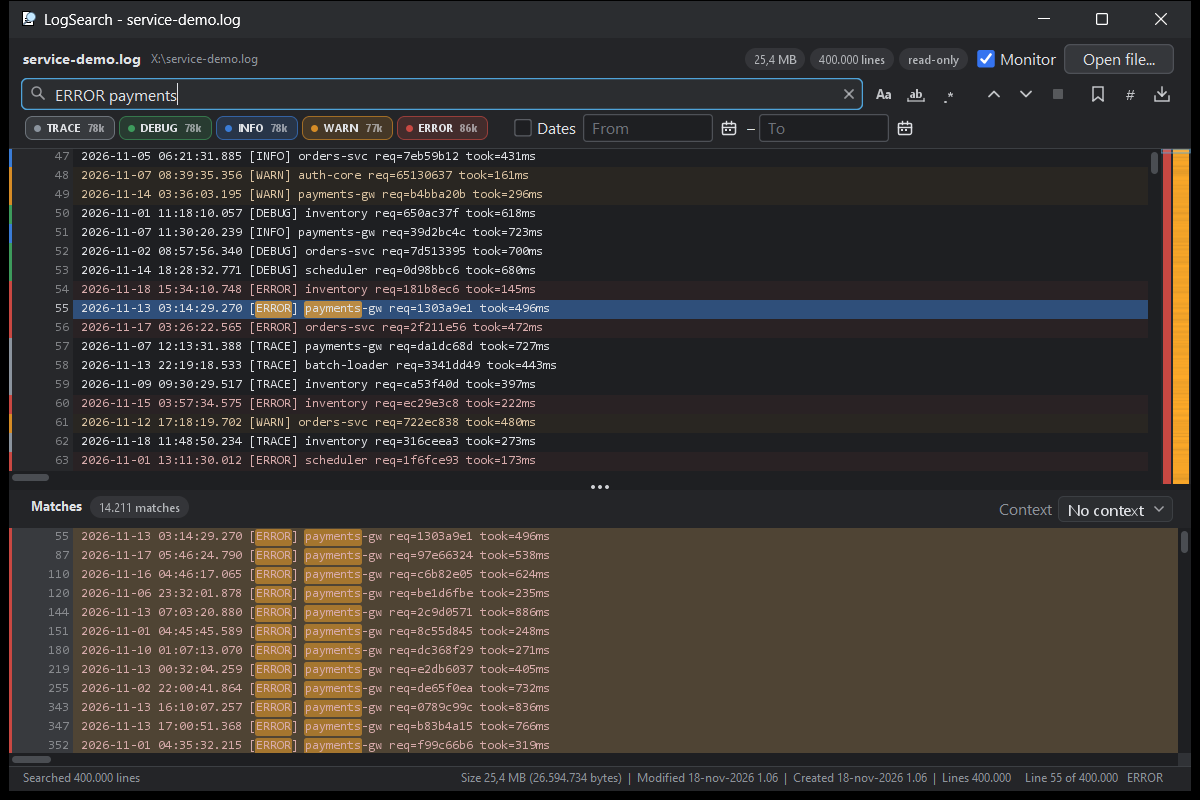
LogSearch: open the big ones without fear
LogSearch reads the file a portion at a time, so memory stays low whatever the size. Search while you type, with a log-friendly syntax: words in any order, “exact phrases” and -excluded terms, besides regular expressions. Lines are colored by level, errors and warnings appear on a map next to the scrollbar, and F8 / Shift+F8 jump between them. A date filter works with the usual log formats, and the monitor follows a log that keeps growing or is rotated.
Home page with an offline assistant
The home page has an animated background. Start typing and an assistant appears: it answers questions about ScreepT in English or Italian by reading the user guide and the changelog. No network, no keys, no cloud. Commands such as topics, news or shortcuts list what is there.
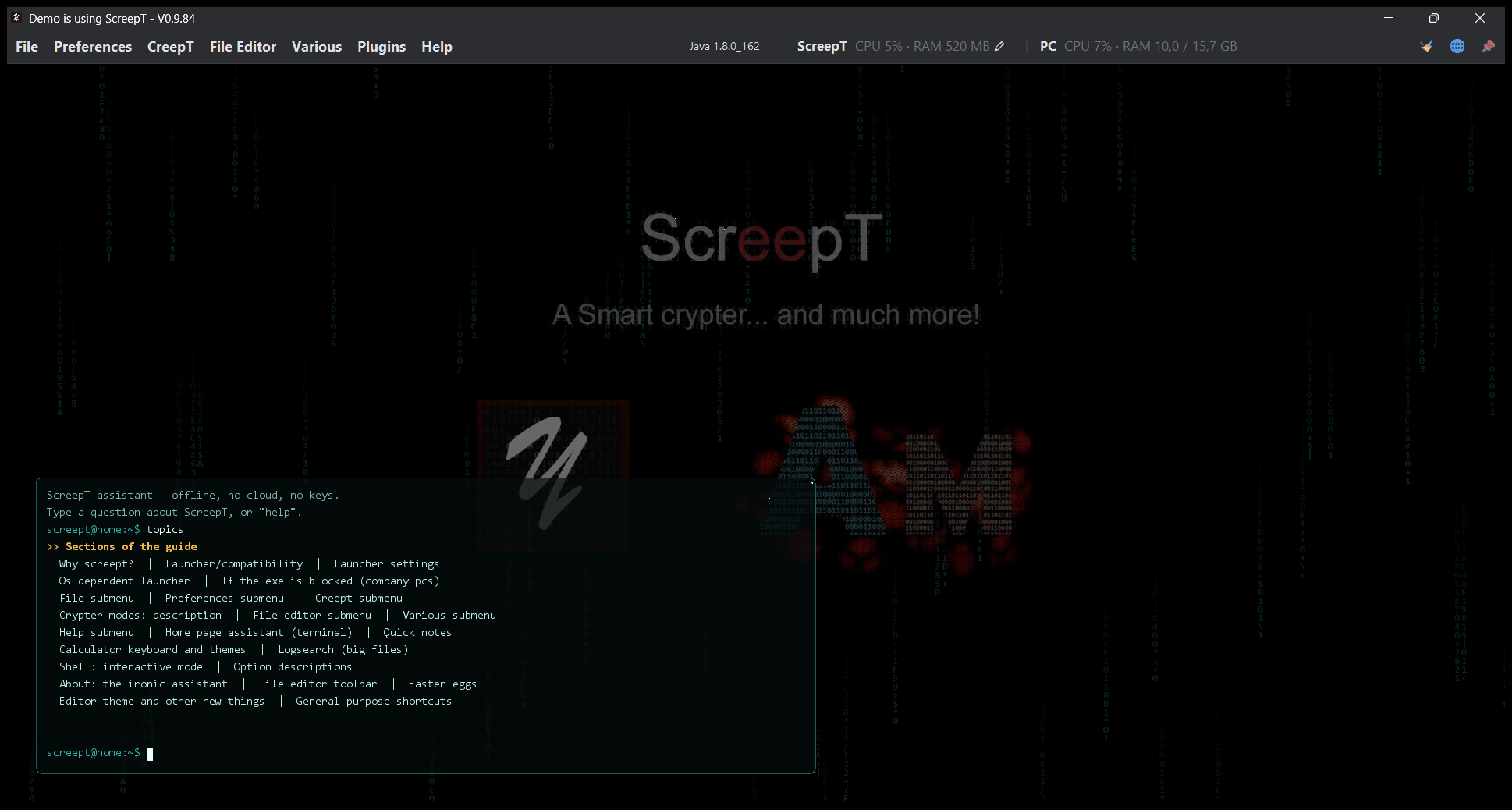
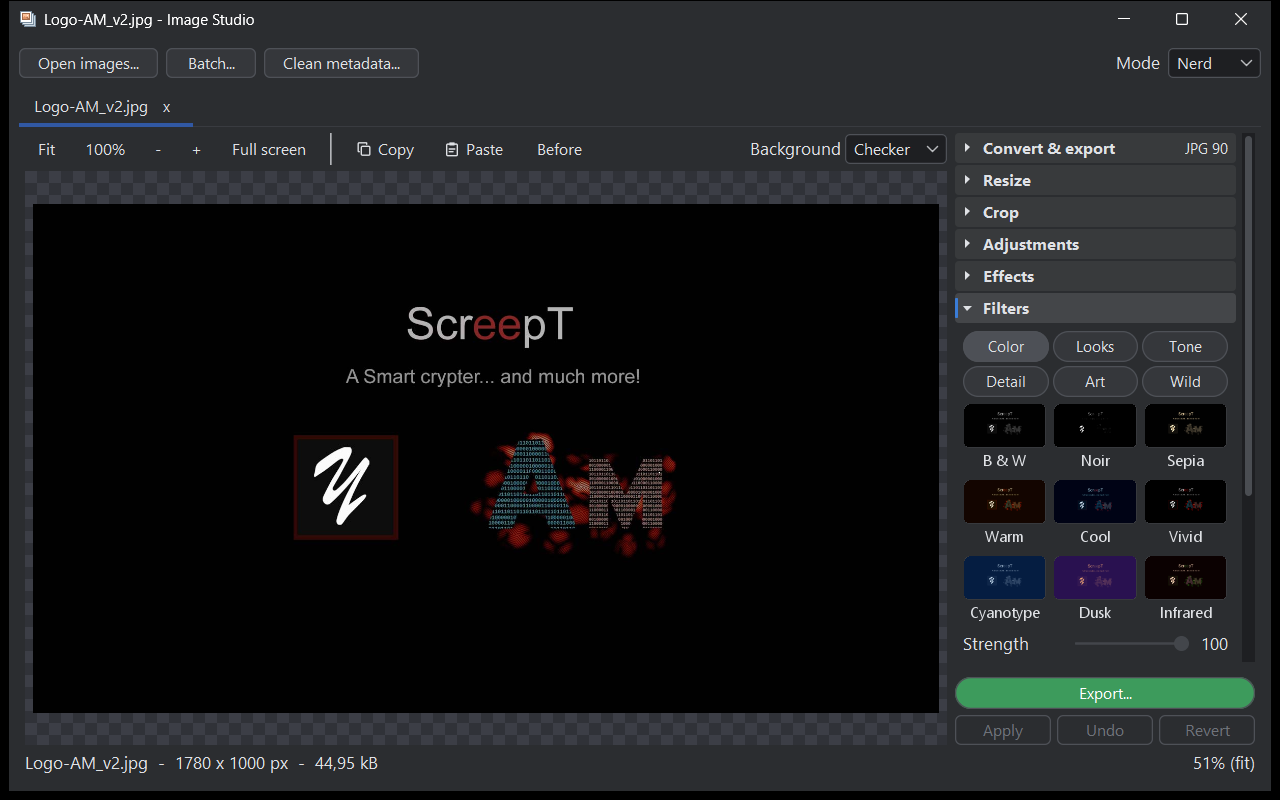
Image Studio
Image Studio comes in three modes: Basic (convert and resize), Classic (adjustments, filters, rotation) and Nerd (every option, histogram, grid). Its 54 filters come with a preview on your own image. Metadata can be removed from JPEG, PNG, WebP and GIF without re-encoding the picture. Camera Raw and Lightroom presets (.xmp, .lrtemplate) are translated into its settings, Photoshop .psd files open, and batch processing applies the same settings to a list of images or a whole folder.
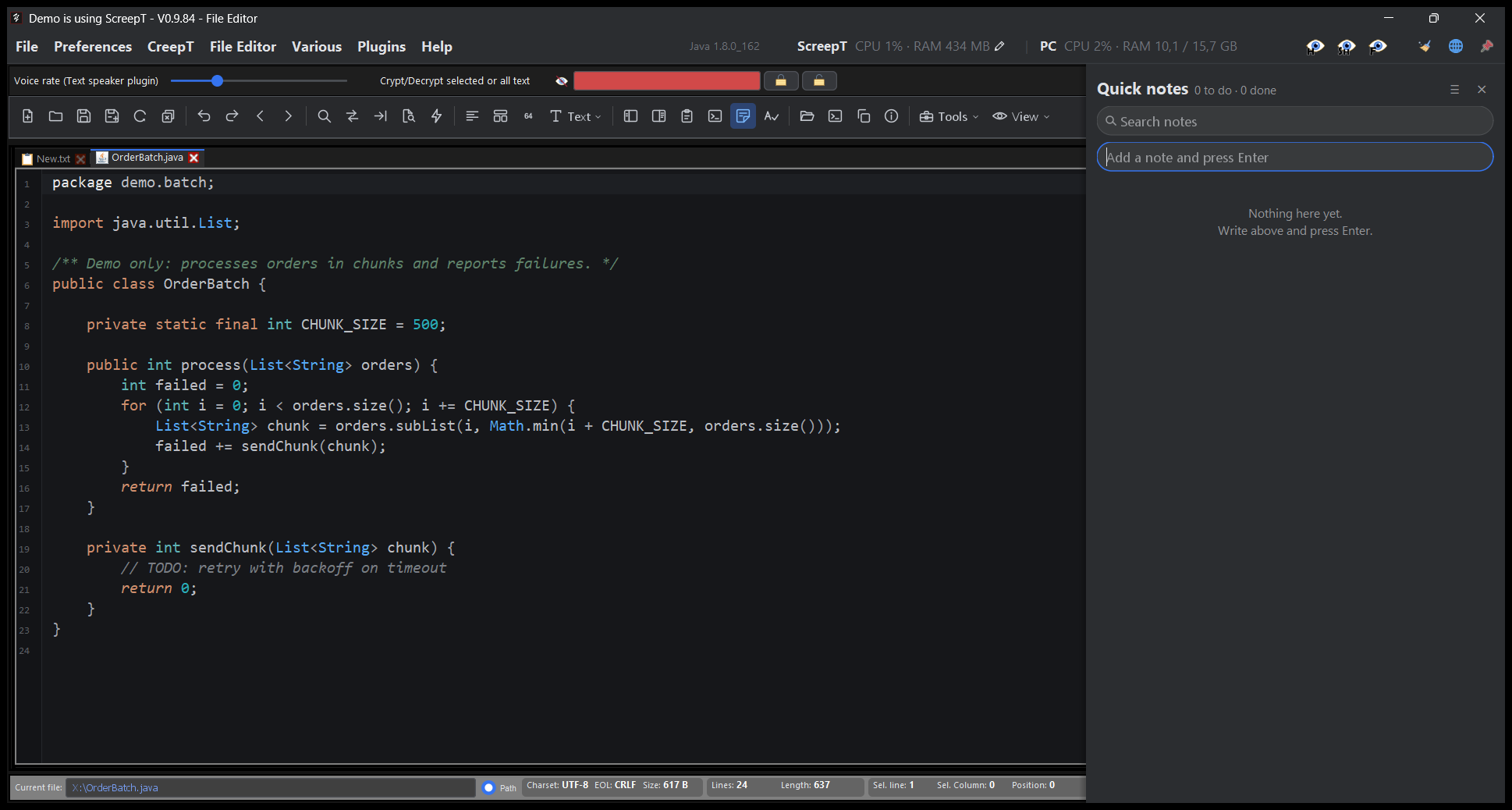
Terminal and editor
The console can run as a real interactive shell (Git Bash or PowerShell on Windows, your own shell on Linux and macOS), with colors, line editing and a history of 10,000 lines. The search bar highlights matches in the whole history. In the file editor, tabs can be pinned and dragged, the rectangular selection works Notepad++-style, and the Theme Editor lets you change more than 60 elements of the look. A Quick Notes drawer keeps your to-do items next to the code and can back them up to a folder.
Launcher and Java
The launcher lists the Java installations it finds with their details (name, version, vendor, JDK or JRE, architecture). The “Get Java 21” button downloads Temurin 21 into the jre folder next to ScreepT, with a checksum check and no system-wide install. Launcher settings can be changed from the application, including a profile that sets memory and garbage collector together. The memory can be changed from the menu bar.
Everyday tools
- Hash checker: several algorithms in a single pass, progress with a Stop button, drag and drop, and a match/mismatch check against an expected hash.
- File properties: type, owner, attributes, volume space, text encoding and line endings, and checksums (MD5, SHA-1, SHA-256, CRC-32) computed in one pass.
- Network Info: adapters, addresses and name servers as cards with copy buttons, a speed test, and a “Deep search” option for virtual and VPN adapters.
- Color picker: copies any color in every format, shows the contrast of white and black text, and stays on top.
- Password generator: random passwords from a cryptographically strong source, with a strength meter that also checks passwords you type.
Look, languages and plugins
ScreepT Dark is the default theme. The interface is available in seven languages (English, Italian, Spanish, French, German, Portuguese and Chinese Simplified) and can be switched from the top bar. Plugins have their own manager, an “Update all plugins” command and an optional automatic check at startup, which can be turned off.
Crypter (beta)
The Crypter is in beta: it is experimental and not extensively tested. A notice says so when the module opens, and the user guide says the same. Please do not rely on it for anything critical yet.
Version by version (0.9.68 to 0.9.84)
- 0.9.68: faster start, restyled Crypter, “Get Java 21” button.
- 0.9.69: the Java 21 downloaded by ScreepT is really used.
- 0.9.70: right-click menu and “Restart as administrator” work without ScreepT.exe.
- 0.9.71: start at login without the exe; .log files ask where to open.
- 0.9.72: Code Compare zoom, PDF reader fixed, shortcuts also with Cmd on macOS.
- 0.9.73: restart with the launcher; Markdown viewer plugin.
- 0.9.74: cleaner Plugin Manager.
- 0.9.75: Image Studio with batch and tabs, integrated viewers in the editor tabs, new LogSearch and terminal search.
- 0.9.76: launcher Java list with details, ScreepT Dark in the editor, Network Info speed test with upload.
- 0.9.77: animated guide header, quicker cats.
- 0.9.78: Image Studio goes pro (54 filters, crop, metadata cleaning, PSD and Camera Raw import), launcher settings from the app, 1.5 GB default memory.
- 0.9.79: seven languages, a new Theme Editor, live crop, a much faster LogSearch.
- 0.9.80: LogSearch monitor and date filter, Image Studio full screen, “Open with” in the file tree, update all plugins.
- 0.9.81: quicker File editor, file tree filter, file properties with checksums, redesigned system information.
- 0.9.82: pinnable and movable tabs, hosts file colors, real ScreepT memory in the menu bar.
- 0.9.83: File editor toolbar in a single row, new text tools.
- 0.9.84: file tree filter, Key Image Vault with previews, password strength checker, safer Configuration Manager.
The full notes are in the app under Help > What’s new, and the user guide is under Help > Documentation.