
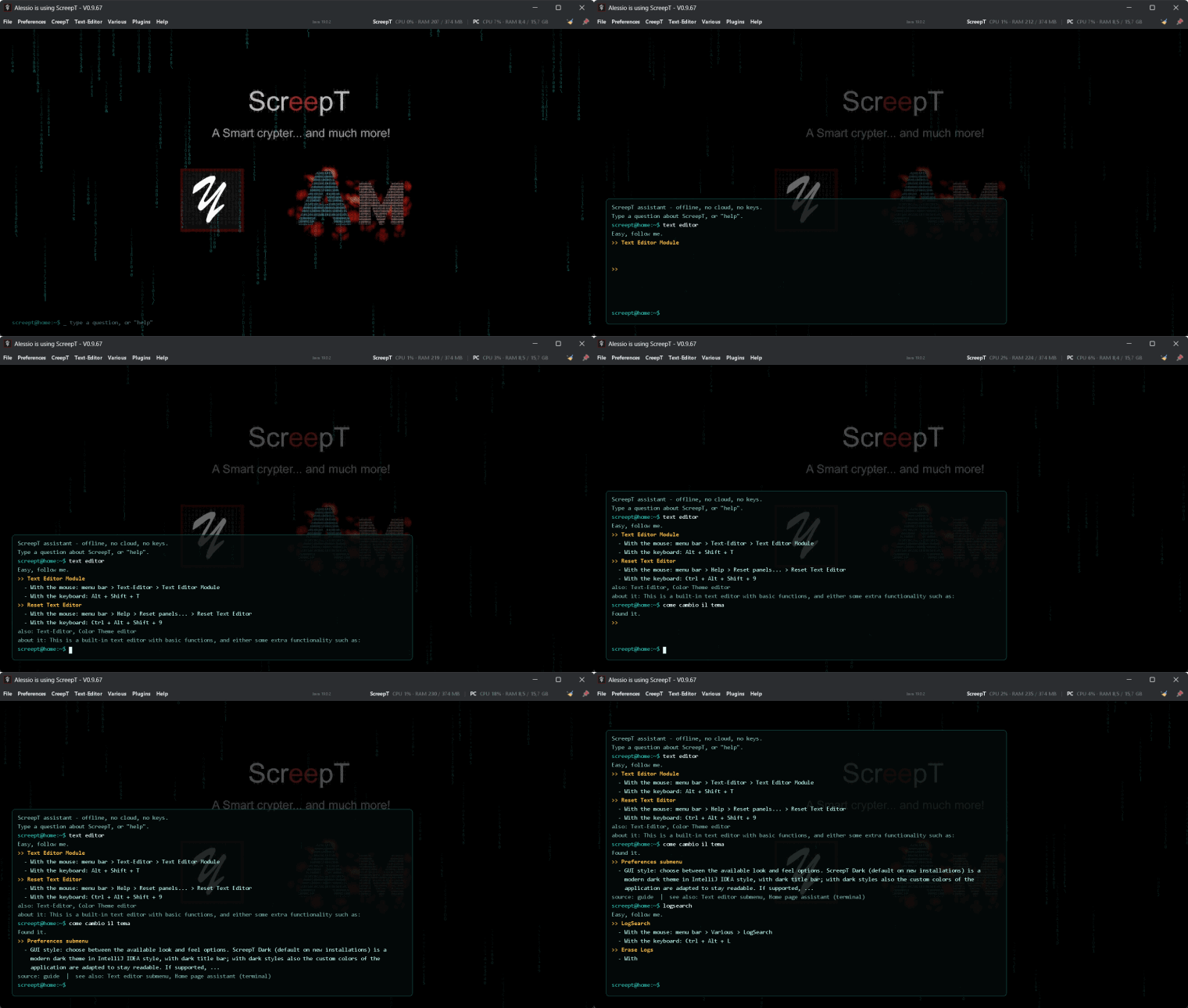
Quite a lot has happened since ScreepT 0.9.45. The little Swiss army knife for people who keep secrets in text files — crypter, text editor, tools, plugins and a few surprises — has gone from “a useful utility” to a tool with its own look, a home-page assistant you can talk to, a viewer for gigantic log files and support for modern Java. One article, more than twenty versions. Grab a coffee, or jump straight to the download.
The short version
- A home page you can talk to: an offline assistant that knows the whole guide (English and Italian);
- ScreepT Dark: a brand-new dark look for the app and for the text editor, now the default;
- LogSearch: open and search multi-gigabyte log files without eating your RAM;
- Quick notes: a to-do drawer one shortcut away (Ctrl+Alt+N);
- Java 8 to 21, no more JavaFX, and starters that fetch a Java for you if you have none;
- Open source: the GitHub repositories are now public.
Open source: the code is now public
Big news for the curious: the ScreepT GitHub repositories are now public. You can read the code, follow the development, report bugs, or just see how a crypter with a code-rain home page is put together:
- ScreepT-public — the common modules: GUI components, utilities, updater, plugin base…
- ScreepT_Repository — …and the application itself: ScreepT, the launcher, the crypter and the text editor commons.
Found a bug or have an idea? Open an issue on GitHub or write to bugs@am-design-development.com.
A home page that talks back
The home page is now a small hacker console. A code rain draws the ScreepT logo glyph by glyph (double click to replay it), and as soon as you start typing a terminal wakes up on top of it: the picture dims so what you type is always readable, then fades back when you stop.
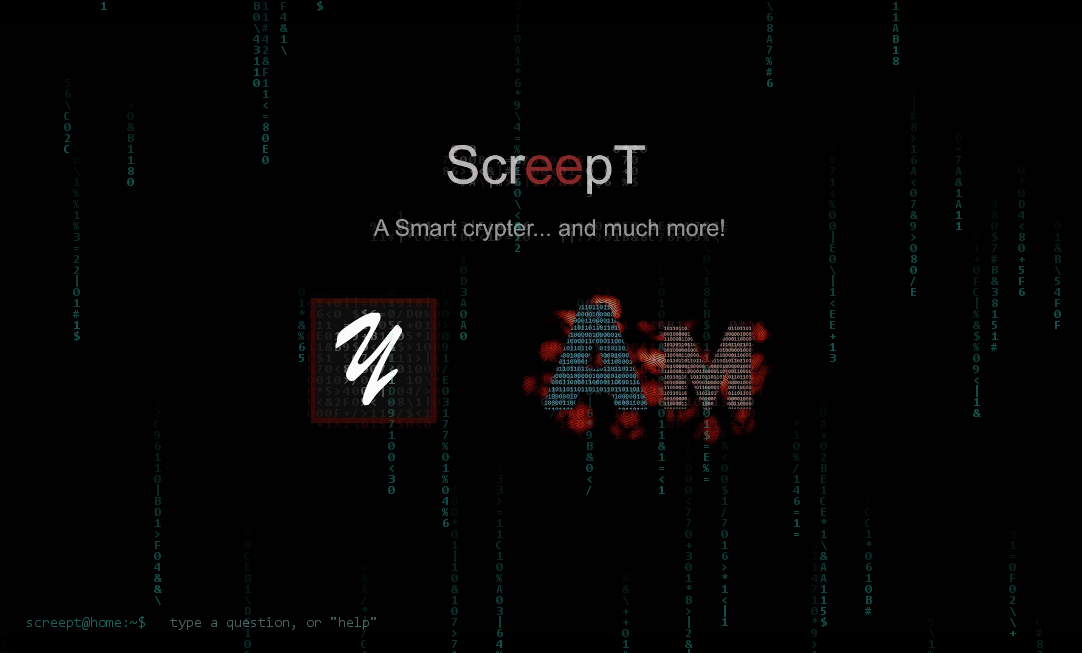
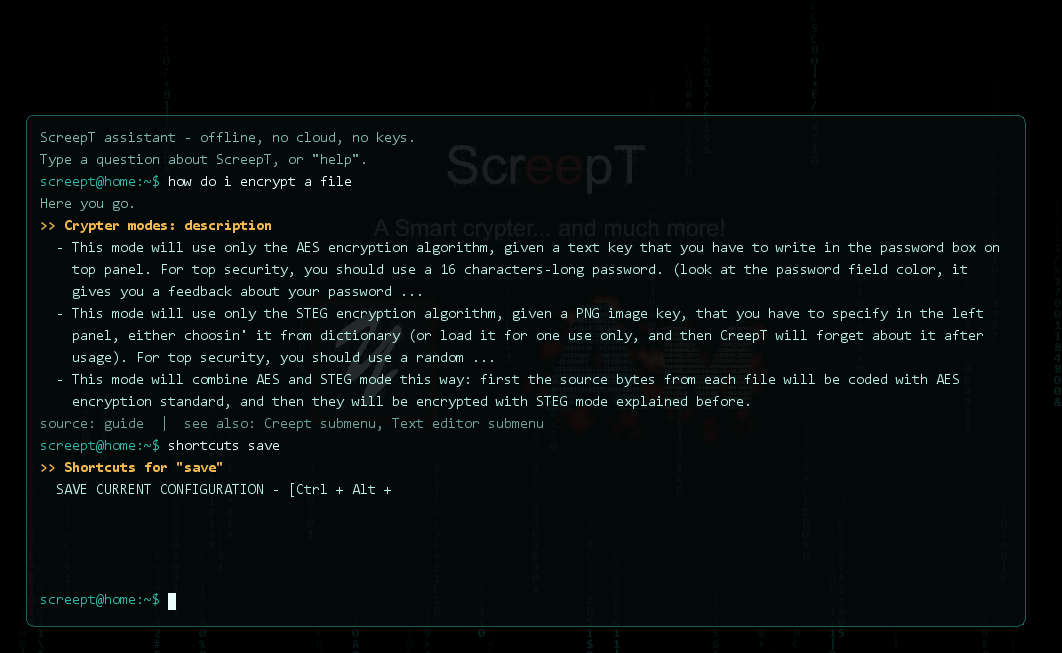
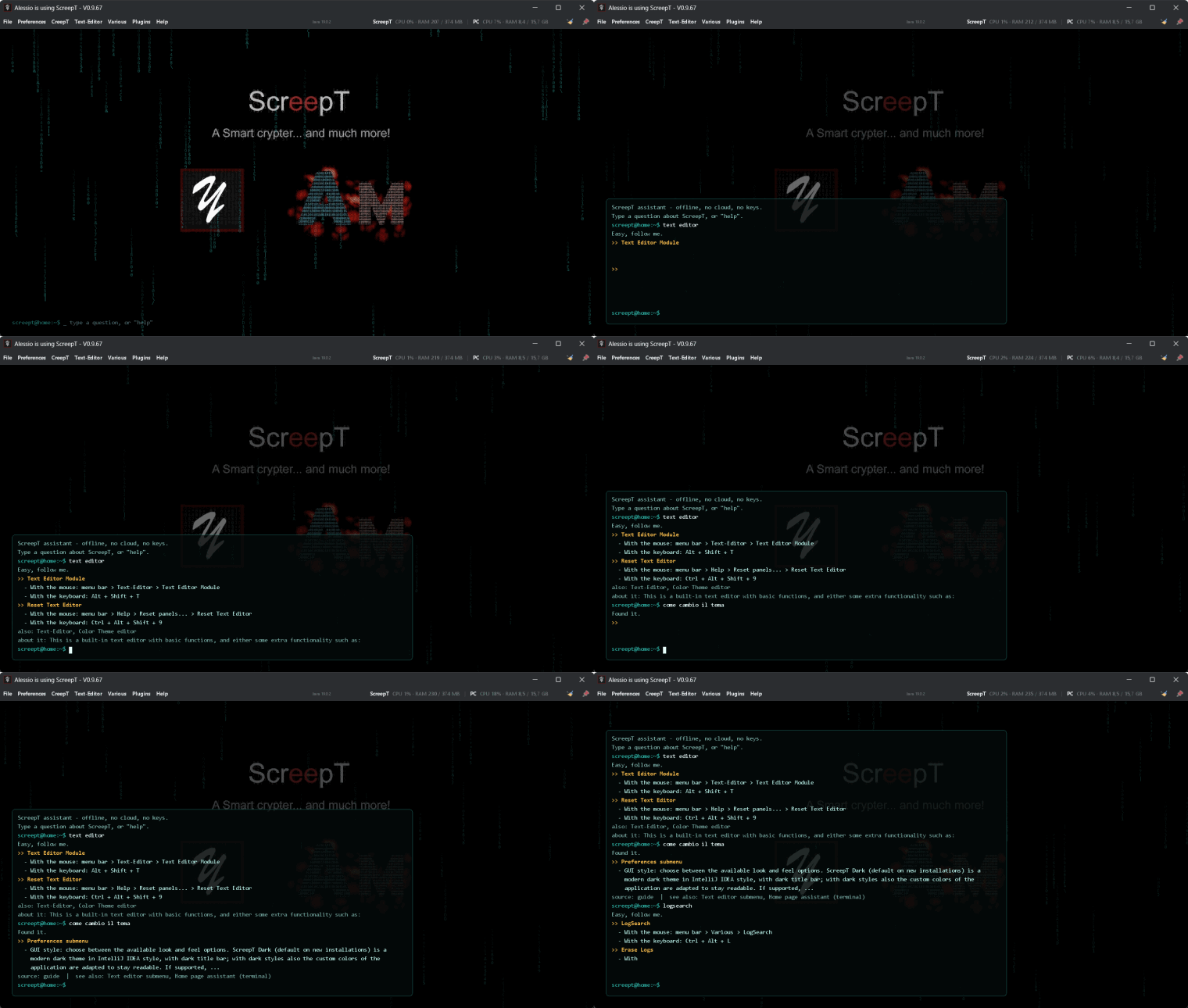
The home assistant is fully offline: no cloud, no API keys, no costs. It reads the guide and the changelog that ship with ScreepT, so its answers are the documentation. Ask in English or Italian:
- “text editor”, “calculator”: it tells you how to open that section, with the menu path and the keyboard shortcut read from your real menus;
- “how do I encrypt a file”, “come cambio il tema”: it finds the right part of the guide, even with a typo;
- commands such as
help,news,shortcuts,topics,eggs.
A new look: ScreepT Dark
Since 0.9.58 ScreepT has its own dark look and feel, with a dark title bar too, and from 0.9.59 it is the default. It comes with:
- interface size presets, from Mini to XXL (or Custom): fonts and controls scale together;
- Graphic Preferences and General Options redesigned: collapsible sections, search (Ctrl+F), live preview and a description card when you rest the mouse on any option;
- native Windows file dialogs everywhere, ESC closes any secondary window, no more useless “operation cancelled” popups;
- a CPU and RAM indicator in the menu bar, and a small label with the Java version in use (hover it for path, vendor and JVM arguments);
- windows that remember the monitor you used last, with several multi-monitor fixes.
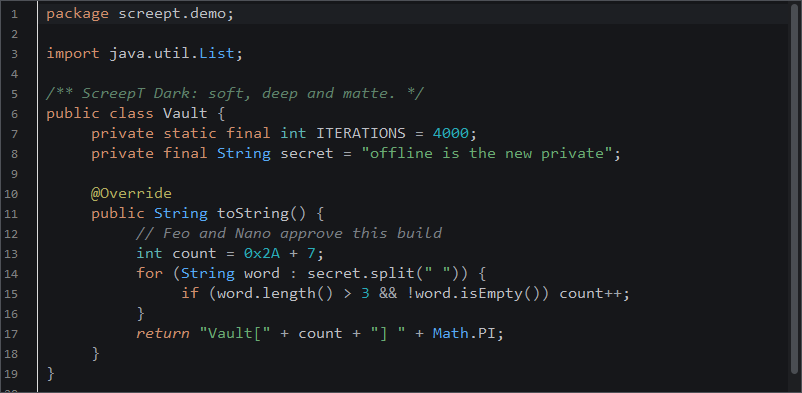
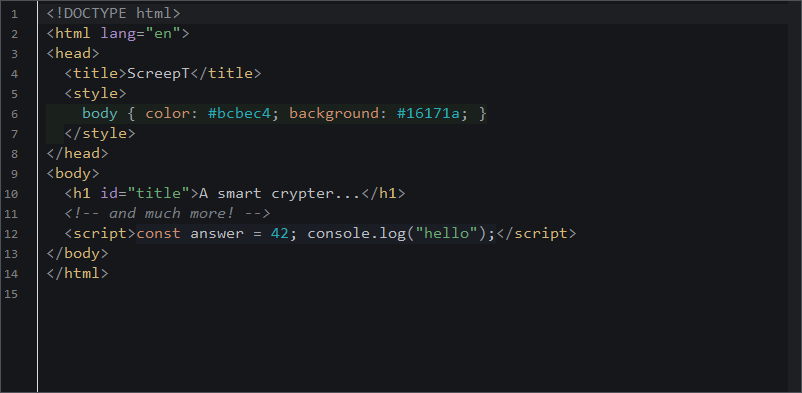
The text editor got a matching ScreepT Dark theme too: soft, deep and matte, with colors tuned for every supported language.
Text editor and tools
- Rectangular (column) selection, rewritten Notepad++ style: Alt+drag, type on a column of carets, Backspace and Delete per row, cut, copy and paste of blocks;
- tail -f mode on editor tabs, automatic temp file save so a crash does not eat your text, and a much more reliable file search;
- a Markdown viewer, more supported file types and a faster startup;
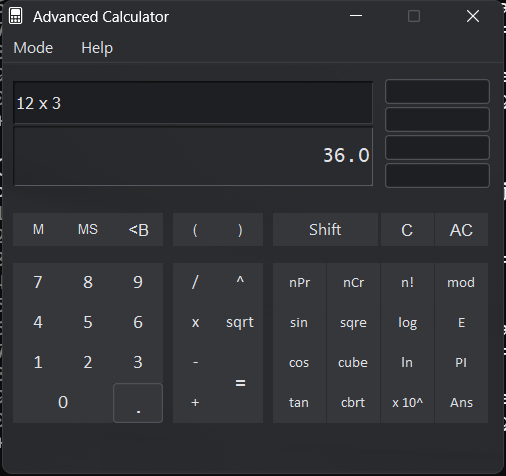
- a calculator that works from the keyboard on any layout and is readable in every mode with the dark theme;
- editor options (margin, font size, inline tabs, adapt text width) gathered in Graphic Preferences, shortcuts unchanged.
LogSearch: big files, small memory
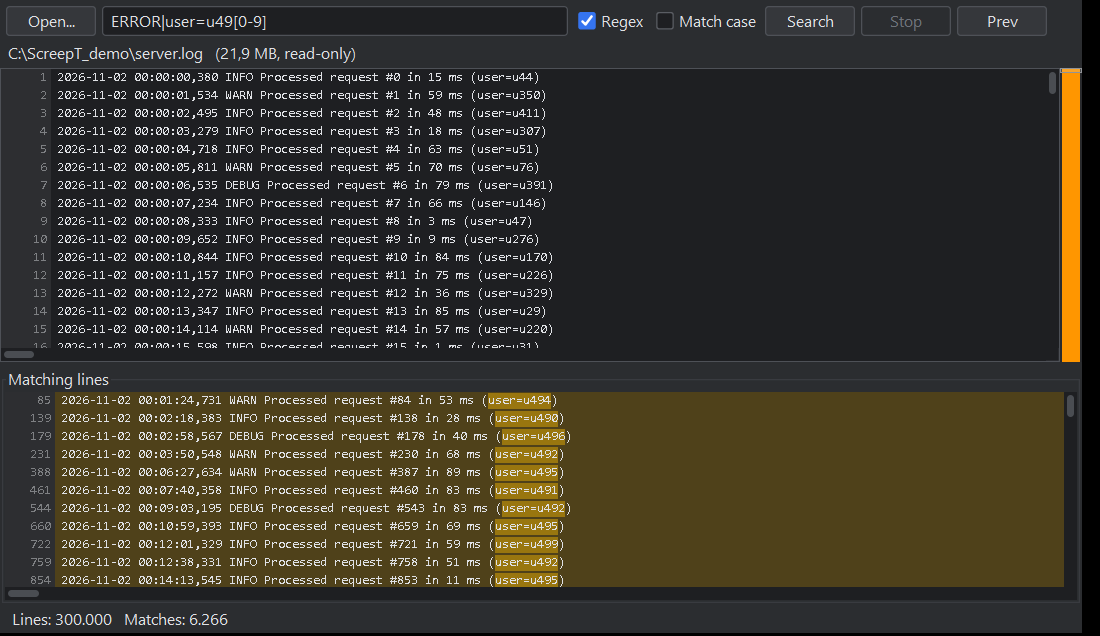
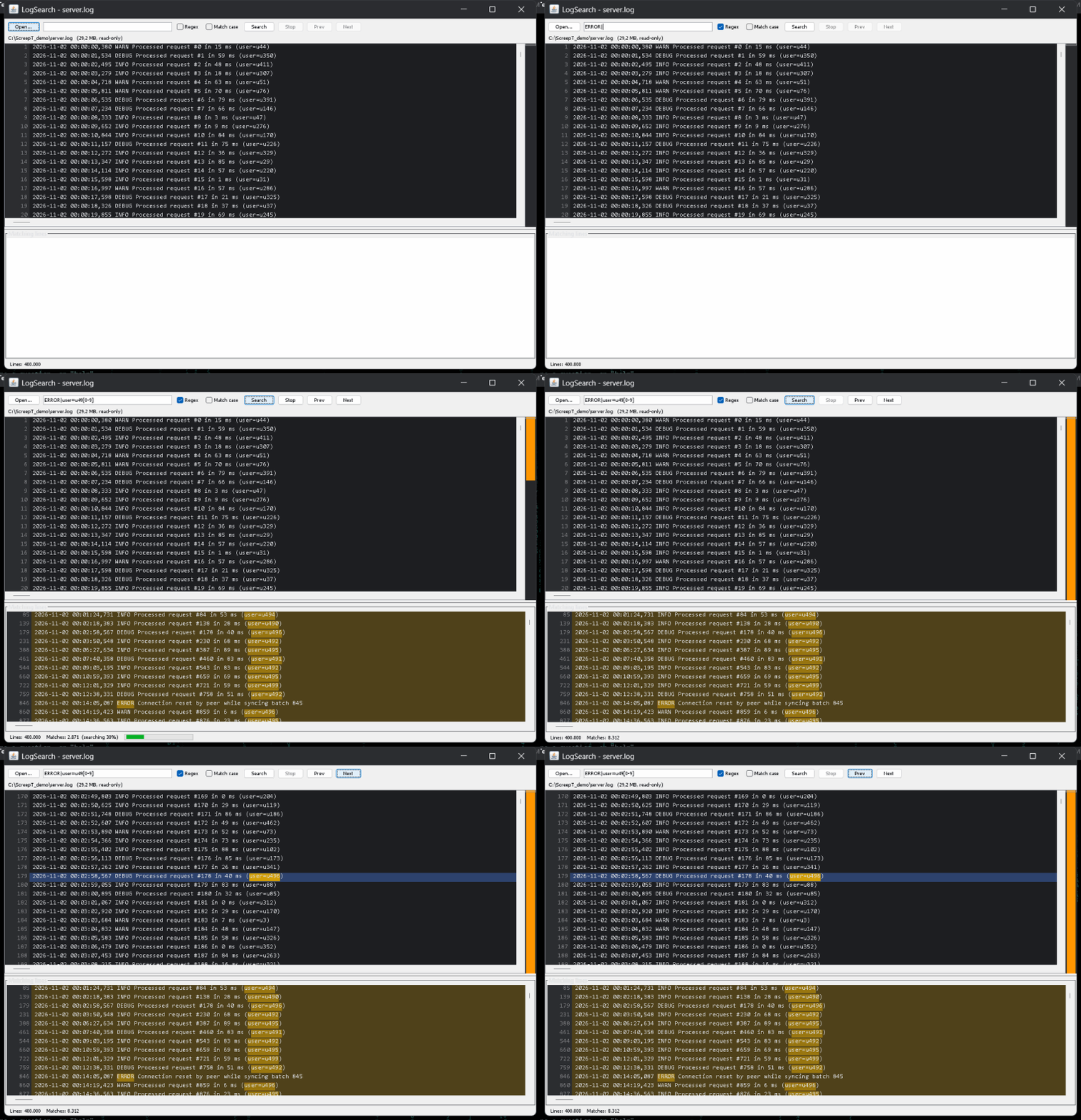
Ever tried to open a 3 GB log file in an editor? LogSearch (Various → LogSearch, Ctrl+Alt+L) opens it read-only, a portion at a time, so memory stays low whatever the size. Search as text or regular expression: matching lines are tinted, listed below and marked on a map beside the scrollbar, and F3 / Shift+F3 jump between matches. If you try to open a huge file in the editor, ScreepT offers LogSearch by itself.
Quick notes
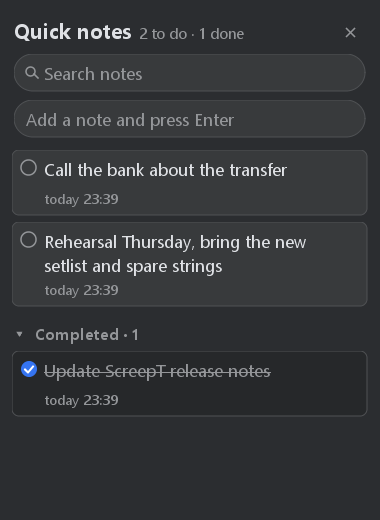
A to-do drawer on the right side of the window (Various → Quick notes, or Ctrl+Alt+N): round checkboxes, inline editing, instant search with highlights, completed notes grouped at the bottom. Everything is saved at every change in a plain, readable Markdown file (with a backup copy), so your notes are never locked inside the app.
Plugins, updates and the guide
- Plugin manager rebuilt over several releases (0.9.47–0.9.51): versions, warnings, installed-version tracking and plugin updates;
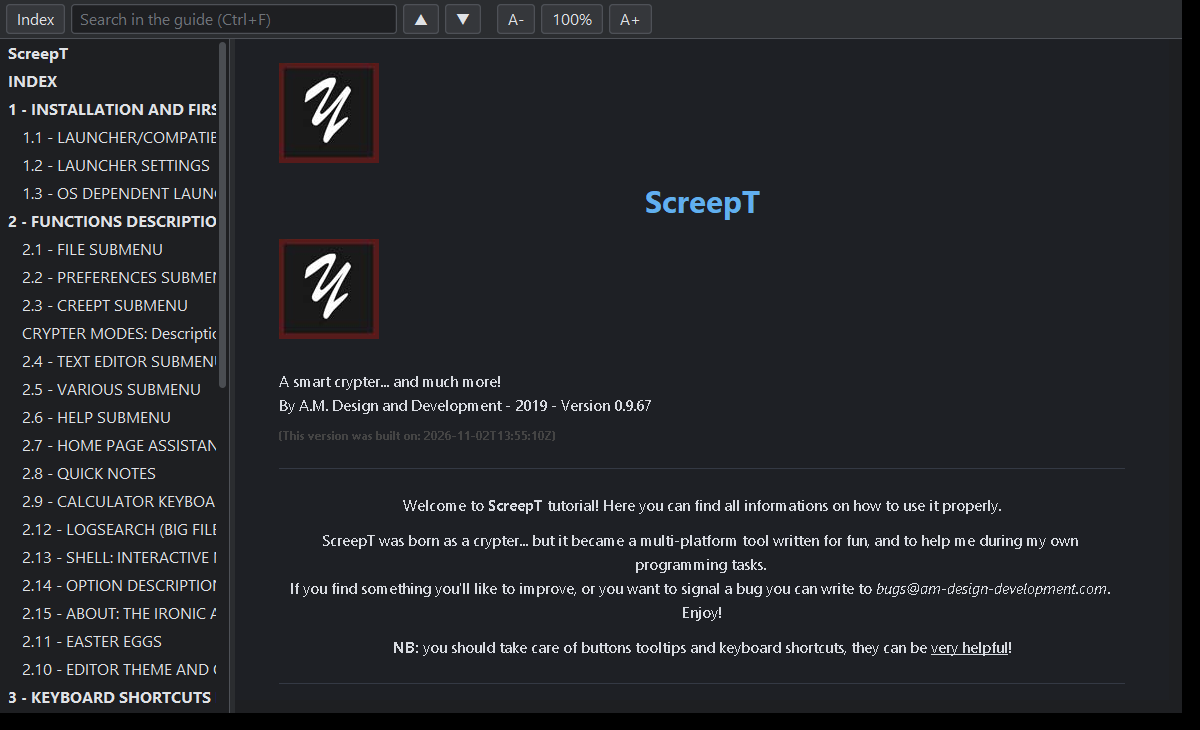
- a new built-in guide viewer (Help → Tutorial), themed like the app: table of contents, search with highlighted results, zoom, selectable text;
- a What’s new window after every update, plus a release-notes viewer with every version as a card;
- Help → Check for software updates can now reinstall the current version cleanly if something ever breaks (your settings and data are kept);
- updated libraries (RSyntaxTextArea 3.5.4, HttpClient 4.5.14) and a detailed licenses report.
Java 8 to 21 — and no Java? No problem
ScreepT now runs on Java 8 and on newer Java up to 21 (LTS), and JavaFX is no longer needed. You pick the Java in the launcher settings and the choice is really used. If your PC has no Java at all, the starters (ScreepT.exe, ScreepT_64.exe, ScreepT.bat, ScreepT.sh) offer to download Eclipse Temurin 21 (about 50 MB, checksum verified) into a jre folder next to ScreepT. Nothing is installed system-wide and no administrator rights are needed.
Easter eggs: ScreepT has a playful side
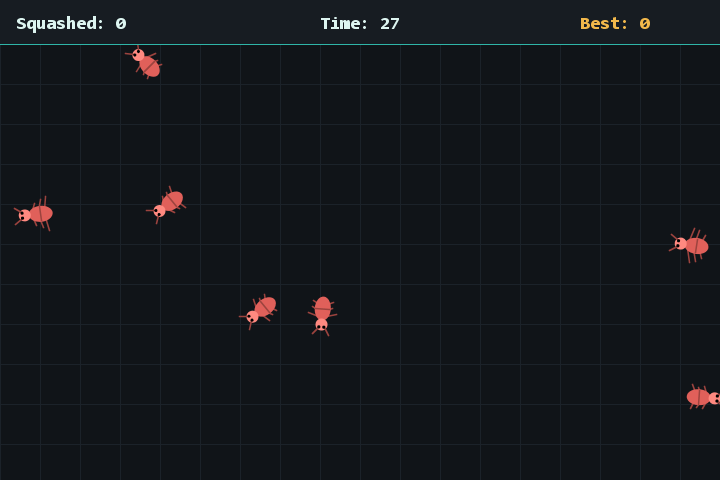
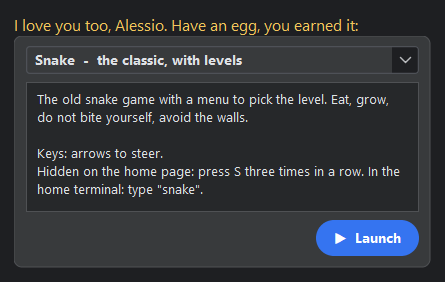
There are now ten hidden easter eggs, among them Bug Squasher, Cipher Breaker, Code Typist, Shortcut Trivia, a fortune cookie and a glitch effect… The About window talks back with movie quotes and answers “acqua, fuochino, fuoco” depending on how close you are to waking one up. Hint: type a letter three times on the home page. Another hint: cats.
Version by version
- 0.9.67 — the Java chosen in the launcher is really used; Text Editor fixed on Java 17+; clean reinstall from Check for updates;
- 0.9.66 — Java 8 to 21, new guide viewer, no JavaFX, Java label in the top bar;
- 0.9.65 — starters that download Java when it is missing, new lightweight exe launchers;
- 0.9.64 — the About window becomes an ironic assistant;
- 0.9.63 — LogSearch, optional interactive terminal (experimental), option descriptions;
- 0.9.62 — six new easter eggs;
- 0.9.61 — home assistant, ScreepT Dark editor theme, Quick notes button;
- 0.9.60 — Quick notes, new What’s new window;
- 0.9.59 — animated home, redesigned options, rectangular selection, CPU/RAM indicator;
- 0.9.58 — ScreepT Dark theme, interface size, native file dialogs;
- 0.9.55–0.9.57 — updated libraries, network info fixes, window position memory and multi-monitor fixes;
- 0.9.46–0.9.54 — plugin manager with versions and updates, tail -f, automatic temp save, Markdown viewer, file search fixes, licenses report.
The complete list is always in the app (Help → What’s new) and in the repository.
Source code: ScreepT-public · ScreepT_Repository. Feedback and bug reports are very welcome.